If the following error appears, please collect a dump file and send to EMR team.
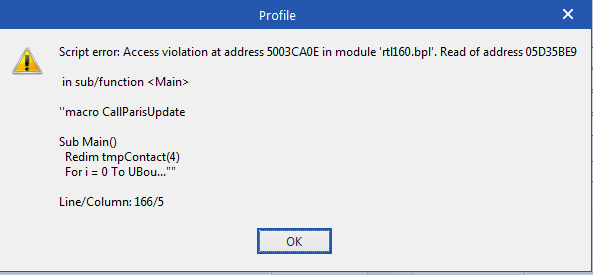
1. After you see the error, go to Task Manager by holding Ctrl+Shift+Esc on your keyboard.
2. A new window will appear with a list of the applications you currently have open.
3. Right click on Profile EMR. (It may also appear as IHServer).
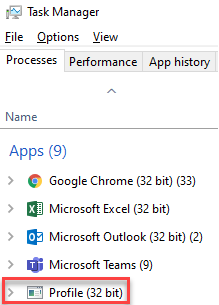
4. After right clicking, select Create Dump File.

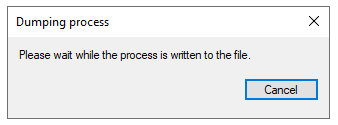
5. Wait for the file to be created.
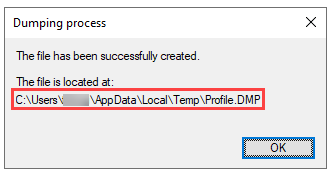
6. Note the file location specified.
7. Create an email to EMRHelp@vch.ca and attach the file
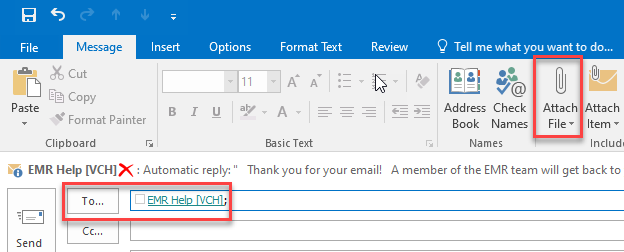
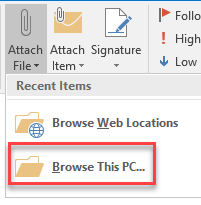
8. Under Attach File, select Browse This PC
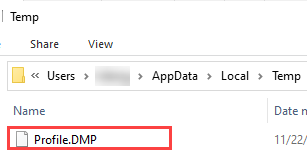
9. A new Insert File window will open. Enter the file location path from step 6 into the address bar.

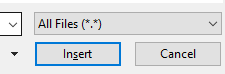
10. Select the Profile.DMP file to attach and click Insert
11. Finish writing and send the email to EMRHelp@vch.ca