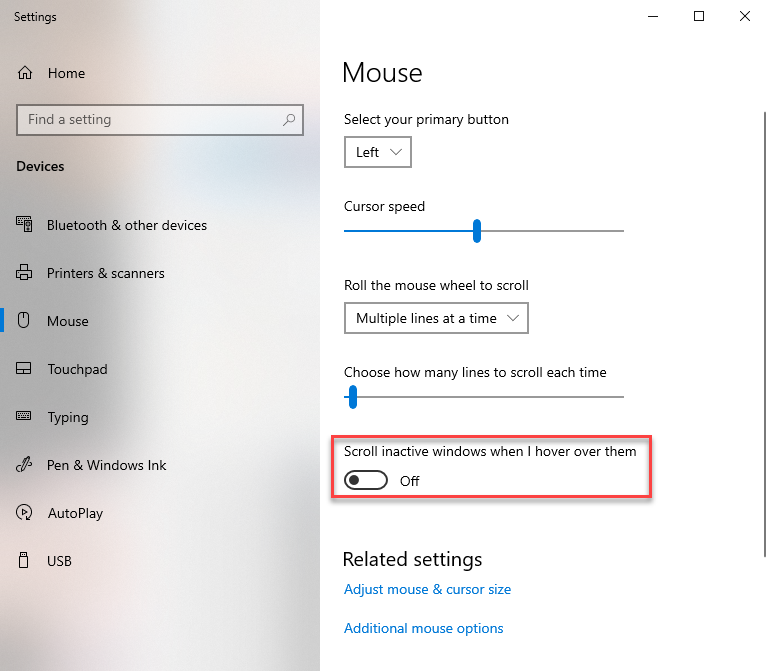
Windows 10 includes a new feature that allows you to scroll through fields without the focus being on the field. When this is turned on and you are filling out a form with dropdown fields in Profile EMR, while hovering over a field and scrolling up or down with the mouse wheel may result in dropdown values to change inadvertently.
To prevent these inadvertent value changes, you may follow the steps below to turn off the scroll feature.
Note: The scroll setting is applied at the user-level, not the device; therefore, even if a device is shared, each user will need to make the below changes individually.
Turn Off the Scroll Feature
- Click on Windows Start menu

- Open Settings > Devices > Mouse
- Under Scroll inactive windows when I hover over them, toggle to Off